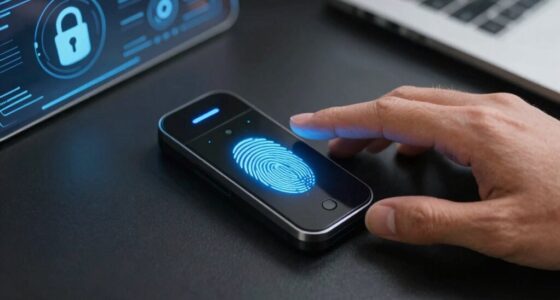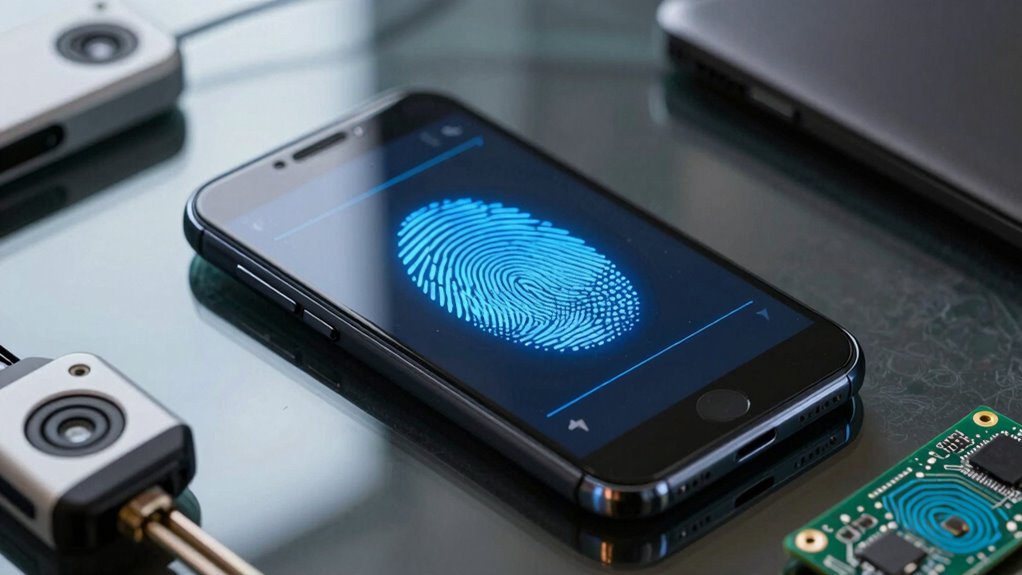

Passkeys could change mobile security by replacing weak passwords with biometric authentication and cryptographic keys stored securely on your device. This makes login faster, more private, and harder for hackers to break. With passkeys, your private data stays on your device, reducing phishing risks and preventing credential theft. They also sync seamlessly across your devices, offering a consistent, secure experience everywhere. To understand how this innovation can protect you even better, explore the details further.

Get the latest gadgets delivered free with Prime
- Fast, free delivery on millions of items
- Prime Video, Amazon Music and more included
- Member-only deals all year
Key Takeaways
- Passkeys replace passwords with biometric authentication, reducing phishing risks and improving security.
- Use of cryptographic key pairs ensures private credentials remain secure on devices.
- Seamless cross-device synchronization enhances user convenience without compromising privacy.
- Eliminating password management decreases user error and weak password reuse.
- End-to-end encryption and secure storage strengthen protection against data breaches.
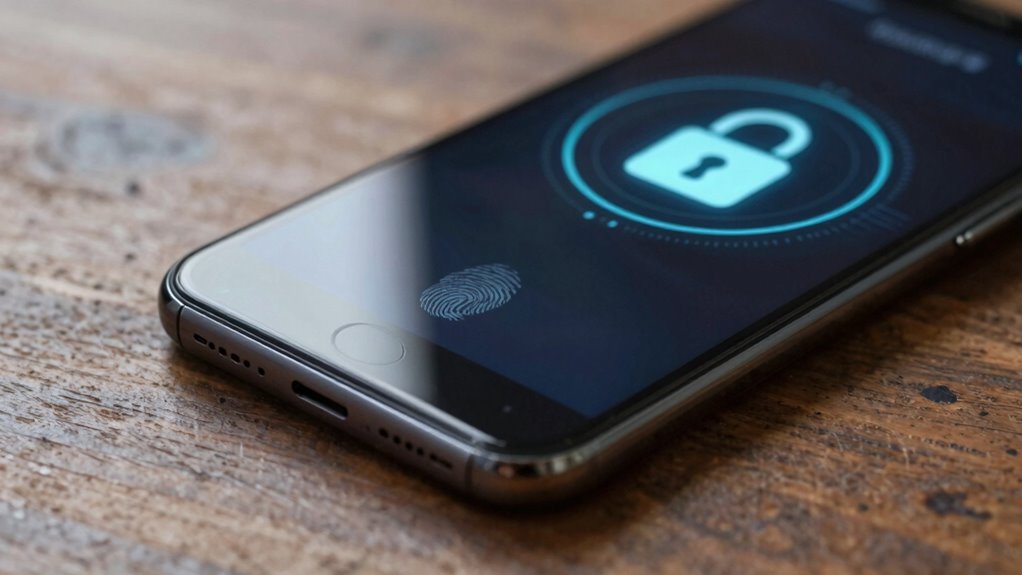
As mobile devices become central to our daily lives, securing them against unauthorized access is more important than ever. Passkeys are emerging as a game-changer in mobile security, offering a simpler and more secure alternative to traditional methods. Instead of relying on passwords, which are often weak or reused, passkeys leverage biometric authentication and passwordless login systems to protect your device and data. With biometric authentication—such as fingerprint scanners or facial recognition—you can unlock your device quickly and securely, without remembering complex passwords. Passkeys build on this by replacing passwords altogether, making authentication seamless and less vulnerable to hacking attempts.
Passkeys replace passwords with biometric authentication for faster, more secure device access and data protection.
Imagine a world where logging into your apps and accounts doesn’t involve typing in a password or receiving a one-time code. Passkeys use cryptographic key pairs stored securely on your device, so your credentials stay private and are never transmitted across the internet. When you access an app or website, your device verifies your identity using biometric authentication—like your fingerprint or face scan—without exposing sensitive information. This process creates a passwordless login experience that’s both faster and safer, reducing the risk of phishing attacks or credential theft. Vetting ensures only trusted sources endorse these security advancements.
Because passkeys eliminate the need for passwords, they also reduce the burden of managing multiple login credentials. You no longer have to remember or write down complex passwords, and your device handles authentication in the background. This simplicity encourages better security habits, as users are less likely to resort to weak or reused passwords. Additionally, passkeys are resistant to common attack vectors, since private keys never leave your device and are never stored on servers vulnerable to breaches. Biometric authentication enhances this security by providing an additional layer of protection that is difficult to duplicate or hack. Mobile security is further enhanced because passkeys can be synchronized securely across devices through cloud services, allowing you to access your accounts effortlessly whether you’re on your phone, tablet, or laptop. This cross-device functionality provides a consistent, secure experience without compromising your privacy. As technology advances, more platforms and services are adopting passkeys, making it easier to secure your digital life without the hassle of passwords.
Furthermore, cryptographic key pairs used by passkeys are designed to prevent interception and misuse, significantly improving overall security. Incorporating end-to-end encryption further strengthens data protection by ensuring that information remains secure during transmission. Additionally, secure storage of cryptographic keys on devices ensures that sensitive data remains protected even if the device is compromised.
As an affiliate, we earn on qualifying purchases.
Frequently Asked Questions
How Do Passkeys Differ From Traditional Passwords?
Passkeys differ from traditional passwords by serving as biometric alternatives or cryptographic keys, making them a secure password replacement. Instead of typing a complex password, you use biometrics like fingerprint or facial recognition, or a device-based key stored securely. This method eliminates common vulnerabilities like phishing or brute-force attacks, offering a safer, more convenient way to authenticate without relying on easily compromised passwords.
Are Passkeys Compatible With All Mobile Devices?
Passkeys are increasingly compatible with most modern mobile devices, but device compatibility can vary depending on your operating system and updates. As user adoption grows, developers are working to guarantee broader support across different platforms. You might find some older devices or less common operating systems less compatible, but overall, passkeys are designed for seamless use on mainstream smartphones and tablets, making security easier without sacrificing convenience.
What Are the Potential Risks of Using Passkeys?
They say, “Better safe than sorry,” and that rings true with passkeys. While they’re more secure than passwords, you should be aware of biometric vulnerabilities and device synchronization issues. If your biometric data gets compromised, it’s hard to change. Plus, if your devices don’t sync properly, access could be blocked. Stay vigilant, update your devices regularly, and use multi-factor authentication to mitigate these risks effectively.
How Easy Is It to Set up Passkeys on My Phone?
Setting up passkeys on your phone is straightforward. You’ll typically enable biometric authentication, like fingerprint or facial recognition, during setup. The process often involves linking your device to cloud synchronization, which securely stores your passkeys across devices. Once set, you can easily authenticate without passwords, making your login process both simple and secure. Most modern smartphones offer guided instructions, so you should find it quick to get started.
Can Passkeys Be Hacked or Stolen?
Sure, passkeys aren’t invincible, but the myth of total security is amusing. Unlike passwords, they resist phishing attempts and biometric vulnerabilities, making hacking harder. Even if someone tries stealing your passkey, it’s stored securely, often on your device, not in the cloud. So, while no system’s perfect, passkeys substantially reduce risks—no sneaky hackers with stolen fingerprints or phishing tricks can easily crack this digital fortress.
As an affiliate, we earn on qualifying purchases.
Conclusion
Passkeys have the potential to revolutionize mobile security by making authentication simpler and more secure. With 81% of data breaches caused by stolen credentials, adopting passkeys could greatly reduce these risks. Imagine a world where you no longer have to remember passwords or worry about phishing attacks—just seamless, secure access. Embracing passkeys isn’t just a convenience; it’s an essential step toward protecting your digital life more effectively.
mobile device biometric authentication
As an affiliate, we earn on qualifying purchases.
As an affiliate, we earn on qualifying purchases.
As an affiliate, we earn on qualifying purchases.
Fall Picks
fall essentials
As an affiliate, we earn on qualifying purchases.