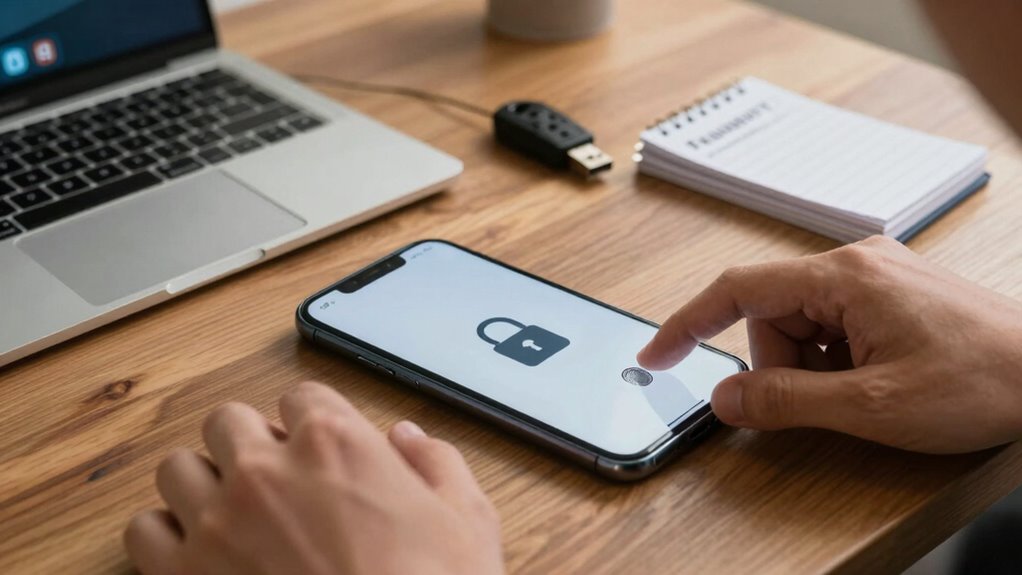

To secure your phone daily, activate built-in encryption and keep your software updated to patch vulnerabilities. Review app permissions carefully and deny access to unnecessary features like location or camera. Use strong, unique passwords or a password manager, and enable two-factor authentication for extra protection. Disable Bluetooth and Wi-Fi when not in use, and use biometric locks alongside passcodes. Regular backups and understanding how encryption and layered security work will help you stay protected and more confident in digital safety, so explore further to learn more.

Get the latest gadgets delivered free with Prime
- Fast, free delivery on millions of items
- Prime Video, Amazon Music and more included
- Member-only deals all year
Key Takeaways
- Activate built-in encryption and keep your phone’s software updated regularly.
- Review and limit app permissions to only what is necessary for functionality.
- Use strong, unique passwords and enable two-factor authentication for all accounts.
- Disable Bluetooth and Wi-Fi when not in use, and utilize biometric locks for quick security.
- Regularly back up data and stay informed about security features to maintain layered protection.
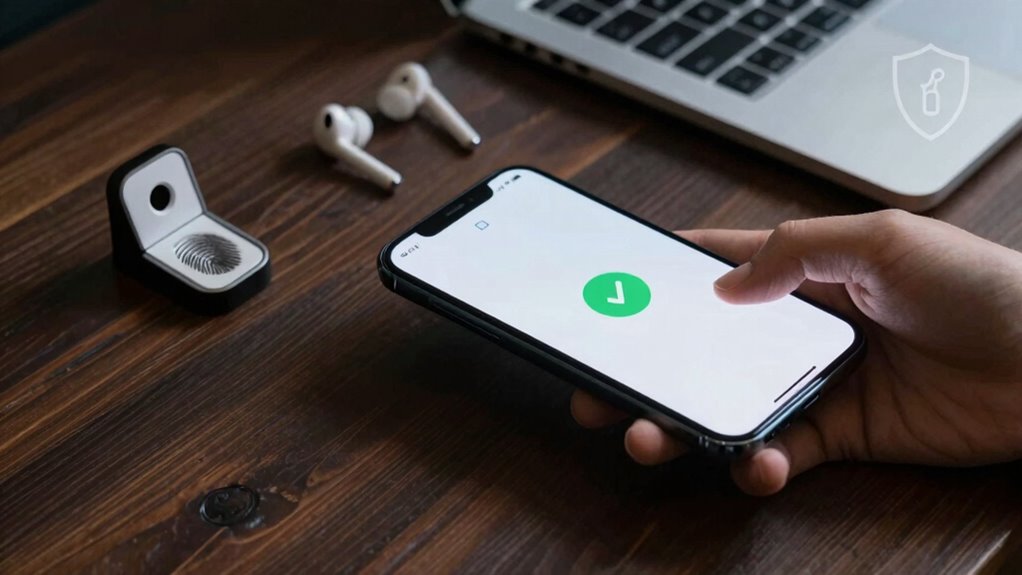
In today’s digital world, protecting your phone has become more important than ever. Your device holds a wealth of personal information, from messages and photos to financial details, so safeguarding it is crucial. One effective way to do this is by understanding and implementing encryption methods. Encryption transforms your data into a coded format that’s unreadable without a decryption key. Many smartphones come with built-in encryption features—make sure you activate them. This way, even if someone gains physical access to your device, they can’t easily access your private information. Regularly updating your phone’s software is also vital, as updates often include security patches that improve encryption strength.
Activate built-in encryption and keep your software updated to protect your personal data effectively.
Another key aspect of securing your phone is being mindful of app permissions. When you install a new app, it requests access to various features like your camera, microphone, location, and contacts. You should review these permissions carefully. If an app asks for access to something unnecessary for its functionality, deny that permission. For example, a calculator app shouldn’t need access to your location or camera. Limiting app permissions minimizes the risk of malicious apps harvesting your data or spying on you. Additionally, restrict background activity for apps that don’t need to run constantly, reducing potential vulnerabilities.
You can also enhance your security by using strong, unique passwords for your device and accounts. Avoid common or easily guessable passwords, and consider using a password manager to keep track of them securely. Enable two-factor authentication wherever possible — it adds an extra layer of security by requiring a second form of verification, such as a code sent to your phone or email. This way, even if someone manages to steal your password, they’re unlikely to access your accounts without the second factor.
Taking control of your device’s security settings is equally important. Disable Bluetooth and Wi-Fi when not in use to prevent unauthorized access. Use biometric locks like fingerprint or facial recognition for quick yet secure access, but remember that these should complement, not replace, your passcode. Regularly backing up your data ensures you won’t lose everything if your device is compromised or lost. Cloud backups or local copies stored securely can save you from potential headaches down the line.
Furthermore, understanding the importance of encryption in device security can help you make more informed decisions about your phone’s safety features. In essence, combining encryption methods, vigilant management of app permissions, strong passwords, and secure device settings creates a layered defense that makes your phone significantly more secure in daily life. Staying proactive and aware is your best strategy for protecting your digital life.
Products Worth Considering

DJI Osmo Mobile 7P Smartphone Gimbal Stabilizer with Mic Mini Transmitter, Infinity Black

DJI Osmo Mobile 8 Smartphone Gimbal with Mic Mini Transmitter, Infinity Black

Bose TV Speaker Compact Soundbar with Bluetooth and HDMI-ARC, Black
As an affiliate, we earn on qualifying purchases.
Frequently Asked Questions
Can I Use a Password Instead of Biometric Authentication?
Yes, you can use a password instead of biometric authentication on your phone. To keep your device secure, choose a strong password with high complexity, combining letters, numbers, and symbols. While biometric alternatives like fingerprint or facial recognition offer convenience, passwords give you control over security. Just make certain your password isn’t easy to guess, and consider enabling two-factor authentication for added protection.
How Often Should I Update My Phone’s Security Settings?
You should update your phone’s security settings regularly, ideally every few weeks or after major updates. Check encryption tools to guarantee your data stays protected and review app permissions to prevent unauthorized access. Updating frequently helps patch vulnerabilities, improve security features, and keep your device safe from threats. Make it a habit to stay vigilant and adapt your security measures as new risks emerge, ensuring your phone remains secure.
Are Public Wi-Fi Networks Safe for My Phone?
Public Wi-Fi networks aren’t entirely safe for your phone due to public exposure and network risks. Hackers can intercept your data or infect your device with malware on unsecured networks. To protect yourself, avoid accessing sensitive accounts or conducting transactions on public Wi-Fi. Use a virtual private network (VPN) for added security, and always turn off sharing features and Wi-Fi when you’re not using them.
What Should I Do if I Suspect My Phone Is Hacked?
If you suspect your phone’s hacked, act swiftly like a knight in shining armor. First, disconnect from Wi-Fi and mobile data to prevent further unauthorized access. Scan for malware, update your apps, and change passwords. Watch for signs of phishing scams, like strange messages or unfamiliar activity. Consider resetting your phone to factory settings and notify your bank or other sensitive services. Stay vigilant—hackers thrive on overlooked signs.
Is It Necessary to Install Third-Party Security Apps?
Installing third-party security apps isn’t always necessary if you’re cautious. Rely on built-in security features like regular updates and strong, unique passwords. Use antivirus software from reputable providers if you want extra protection. Always review app permissions—deny access to unnecessary data and features. These steps help keep your phone secure without relying heavily on third-party apps, reducing risks from malware or data breaches.
Conclusion
By taking these simple steps, you turn your phone into a fortress, shielding your personal life from prying eyes. Think of your device as a trusted friend — the more you protect it, the more it trusts you in return. Remember, a secure phone isn’t just about avoiding trouble; it’s about safeguarding your peace of mind. So, stay vigilant, stay smart, and keep your digital life locked tight — because your privacy is worth it.