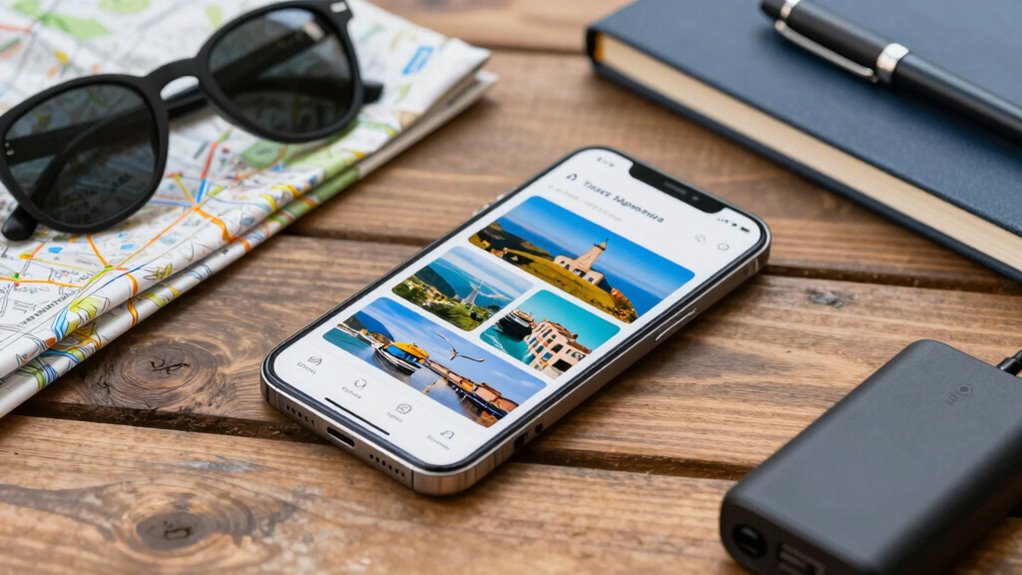

To turn your phone into a better travel companion, set designated screen-free times to stay present and enjoy your surroundings. Download offline maps and essential apps to reduce internet reliance, and organize your digital files for quick access. Enable security features and switch on power-saving modes to extend battery life. Customize your device settings for smooth navigation and communication. By managing your digital habits, you’ll make your phone a useful tool for travel—keep exploring to discover more tips.

Get the latest gadgets delivered free — and shop member deals
- Fast, free delivery on millions of items
- Access to Prime Big Deal Days deals on October 6–7
- Prime Video, Amazon Music and more included
Key Takeaways
- Download offline maps, translation apps, and essential documents before traveling to reduce dependence on internet access.
- Enable battery-saving modes and carry portable chargers to ensure your phone lasts throughout your trip.
- Customize device settings for easy navigation, quick access to travel info, and minimal distractions.
- Set designated screen-free times to stay present and fully enjoy your travel experiences.
- Use security features like biometric locks to protect sensitive information during your journey.
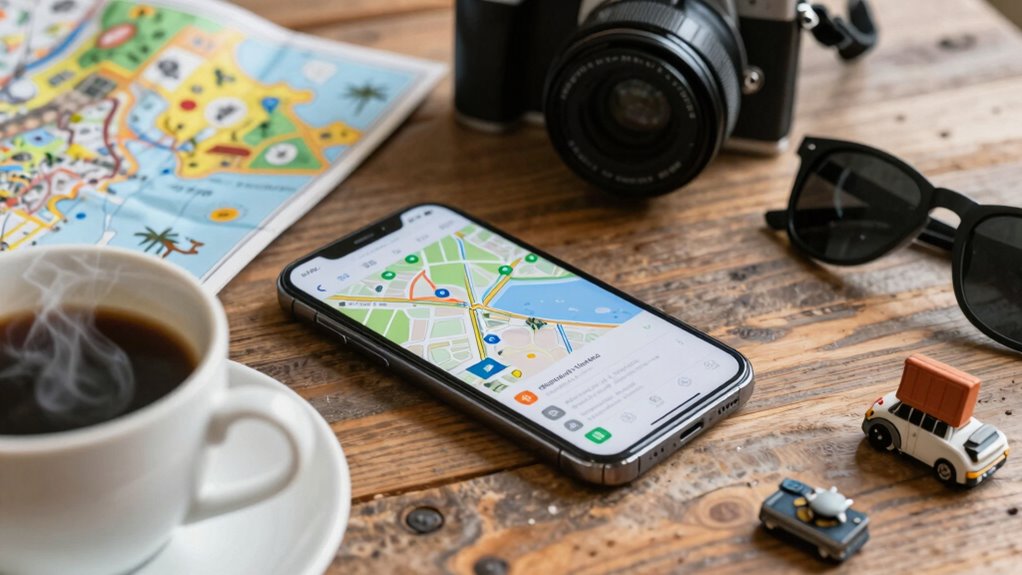
Your phone can become your ultimate travel companion if you know how to optimize it. While it’s tempting to stay glued to your device, taking intentional steps can make your experience more enjoyable and less stressful. One of the best ways to do this is by balancing your digital use with a digital detox. Giving yourself designated periods away from your screen helps you stay present and fully absorb your surroundings. Before heading out, set specific times to disconnect—perhaps during meals or when exploring new sights. This not only reduces distractions but also helps you appreciate the moment without the constant buzz of notifications. A digital detox doesn’t mean abandoning your phone entirely; it’s about creating healthy boundaries so you can enjoy your trip more deeply. Using your phone’s settings and accessibility features can help you customize your experience and limit distractions as well. Battery optimization is another essential aspect of turning your phone into a reliable travel buddy. Nothing’s more frustrating than your device dying at a critical moment, whether it’s finding your way in a new city or capturing a stunning view. To prevent this, start by adjusting your screen brightness—lower it to conserve power without sacrificing visibility. Turn off Bluetooth, Wi-Fi, or location services when you don’t need them, as these features drain your battery quickly. Enable power-saving modes if your phone offers them, and consider carrying a portable charger or extra batteries to stay powered up on the go. Also, close unused apps running in the background, as they can continue to consume energy without your knowledge. Planning ahead for battery life guarantees your essential apps and features stay available when you need them most. Beyond these technical tips, think about how your phone can enhance your travel experience through smart app use. Download offline maps and translation tools before your trip to avoid relying on constant internet access. Save important documents, tickets, and itineraries locally on your device, so you’re not dependent on Wi-Fi or cellular data. Use your phone’s camera thoughtfully—capture memories but don’t get so absorbed that you miss the real-life moments happening around you. Keep your device secure by enabling passwords or biometric locks, especially if you’re in crowded places. Additionally, understanding enterprise governance can help you better manage your digital tools and maintain control over your digital habits. It’s also helpful to familiarize yourself with storage solutions that can keep your device organized and clutter-free, making it easier to find what you need quickly. Incorporating digital organization strategies can streamline your travel experience and reduce stress from digital clutter. Being aware of tech troubleshooting tips can help you quickly resolve any unexpected issues with your device during your trip. By managing your digital habits and optimizing your device’s settings, you’re transforming your phone from a distraction into a powerful tool that supports your adventure. With a little planning, you’ll find that your phone becomes less of a source of stress and more of an invaluable asset on your journey.
As an affiliate, we earn on qualifying purchases.
Frequently Asked Questions
How Can I Extend My Phone’s Battery Life During Travel?
To extend your phone’s battery life during travel, activate battery saving mode and enable power management features. Reduce screen brightness, turn off unnecessary notifications, and close background apps you’re not using. Carry a portable charger for extra juice, and disable Wi-Fi or Bluetooth when not needed. These steps help conserve power, ensuring your phone stays functional longer, so you can navigate, communicate, and capture memories without worry.
What Are the Best Offline Maps for International Trips?
Think of offline maps as your travel compass, guiding you through unfamiliar terrain. For your international trip, Google Maps and Maps.me stand out. They offer robust offline map features, including detailed city layouts and points of interest. Both are compatible with various devices, ensuring seamless navigation. With these apps, you’ll navigate confidently, even without internet, making your journey smoother and more adventurous.
Which Travel Apps Are Essential for Safety and Emergencies?
You should download travel apps with essential safety features, like emergency contact apps that quickly connect you to local authorities or loved ones. Look for apps offering real-time alerts, GPS tracking, and safety check-ins. These apps enhance your security by providing quick access to emergency services and letting others track your location if needed. Prioritize apps with user-friendly travel app features that keep you prepared and safe throughout your journey.
How Do I Protect My Phone From Theft While Traveling?
Think of protecting your phone like safeguarding treasure. Always keep it close, especially in crowded places, and use secure luggage with lock compartments. Invest in anti-theft accessories like lockable phone cases or lanyards that deter pickpockets. Avoid flaunting your phone in busy areas and stay aware of your surroundings. By taking these steps, you reduce the risk of theft and keep your device safe during your travels.
Can My Phone Work Without a Local SIM Card?
Yes, your phone can work without a local SIM card if it’s eSIM compatible. You can activate a local eSIM plan or use Wi-Fi hotspots to stay connected. This way, you won’t need to swap physical SIM cards, and you can make calls or access data via internet-based services. Just guarantee your phone supports eSIM technology and keep Wi-Fi hotspots handy for reliable internet access wherever you go.
As an affiliate, we earn on qualifying purchases.
Conclusion
With your phone transformed into a trusty sidekick, every journey becomes a symphony of discovery and convenience. It’s your compass, storyteller, and navigator all in one, guiding you through uncharted streets and whispered secrets of distant lands. Embrace the endless possibilities at your fingertips, turning your device into a loyal companion that elevates your adventures from ordinary to extraordinary. After all, in the grand voyage of travel, your phone is the steady lighthouse illuminating your path.
As an affiliate, we earn on qualifying purchases.
As an affiliate, we earn on qualifying purchases.
Fall Picks
fall essentials
As an affiliate, we earn on qualifying purchases.