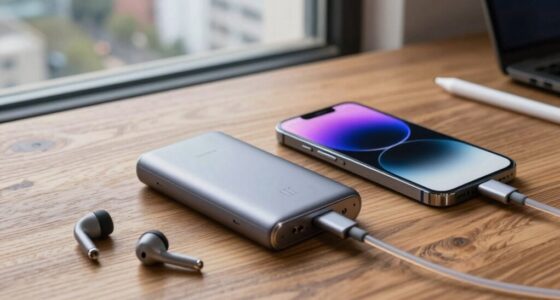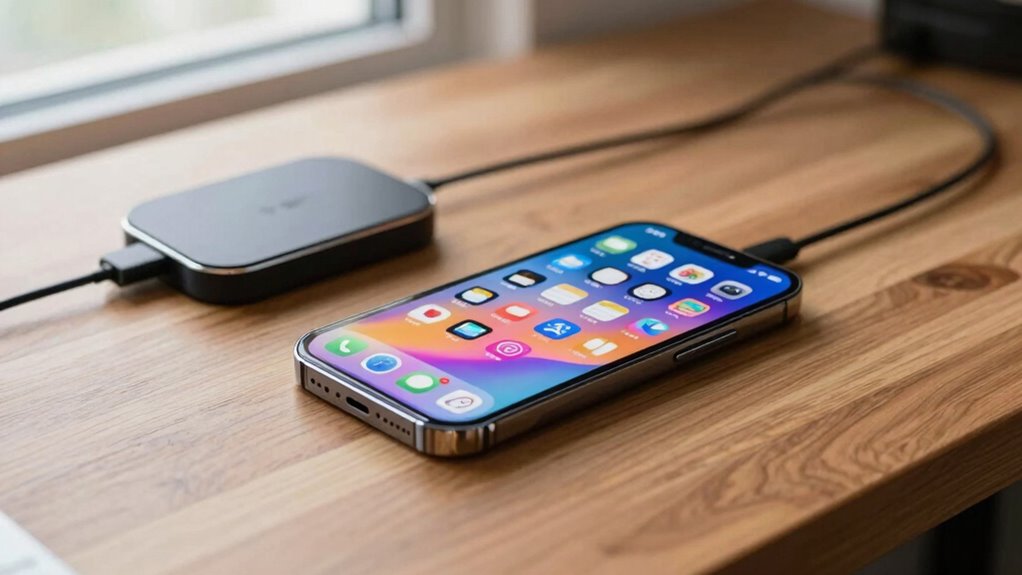

To make your phone battery last all day, you should optimize your charging habits, avoid full charges or discharges, and keep your device cool during use and charging. Managing power consumption by reducing screen brightness, closing unused apps, and turning off unnecessary features like Bluetooth or Wi-Fi helps conserve energy. Using battery saver modes can also stretch your battery life. Interested in more tips? You’ll find helpful strategies to extend your phone’s daily endurance below.
Listen free for 30 days with Audible
Thousands of audiobooks and originals — cancel anytime.
As an affiliate, we earn on qualifying purchases.
Key Takeaways
- Optimize screen brightness and enable adaptive display settings to reduce power consumption.
- Close unnecessary background apps and disable unused connectivity features like Bluetooth and Wi-Fi.
- Use battery saver modes during low charge to extend device usage throughout the day.
- Manage device temperature by avoiding overheating during charging and use in hot environments.
- Follow mindful charging habits, such as maintaining battery levels between 20% and 80%, to preserve battery health.
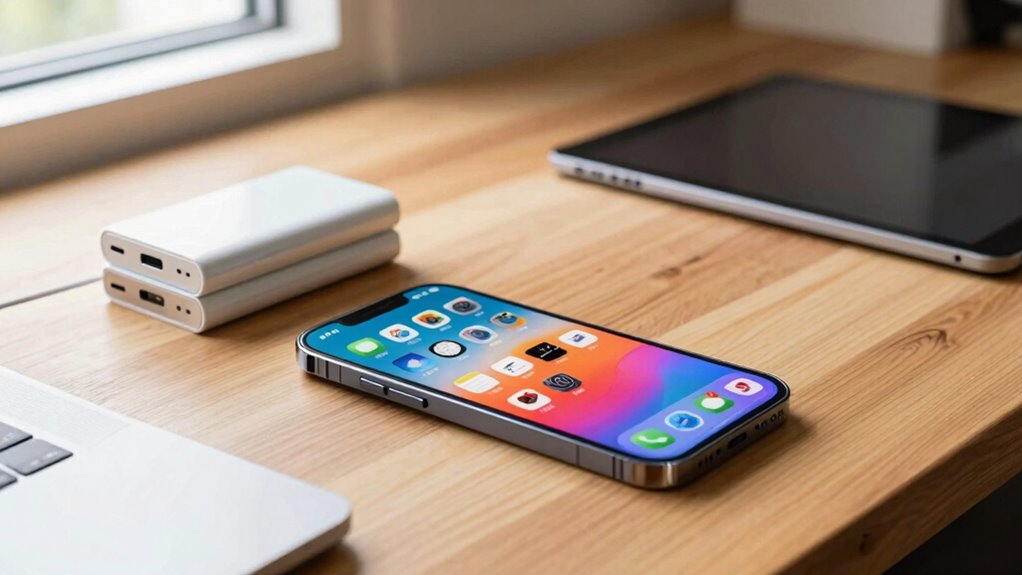
Ever wonder how some smartphones manage to last an entire day without needing a recharge? It often comes down to a combination of smart hardware choices and good habits. One key factor is how your phone manages its battery health. Over time, batteries naturally degrade, which means they hold less charge and drain faster. To keep your battery lasting longer, you should avoid letting it regularly drain to zero or stay fully charged at 100% for extended periods. Instead, keeping the battery level between 20% and 80% can preserve its capacity over time. Many modern phones have built-in features that help monitor and optimize battery health, so it’s worth exploring these settings and turning on any relevant optimizations.
Maintaining battery levels between 20% and 80% helps preserve your phone’s battery health over time.
Another important aspect is how you recharge your phone. Wireless charging has become a popular convenience, but it’s not just about ease; it can also impact your battery’s longevity. While wireless charging is generally safe, some studies suggest that using fast wireless chargers or frequently charging your phone wirelessly can generate more heat, which accelerates battery wear. To maximize battery health, you might want to avoid excessive use of fast wireless charging or keep your device away from overheating while charging. Using a standard, slower wireless charger can sometimes be easier on your battery, helping it remain healthy for longer. Battery degradation can be slowed down by avoiding frequent full charges and discharges. Additionally, being mindful of thermal management can help prevent unnecessary heat buildup during charging and usage, further extending your battery’s lifespan. Implementing effective thermal management can also prevent other hardware components from overheating, which benefits overall device longevity.
Beyond charging habits, managing your screen time and app usage greatly affects how long your battery lasts. Brightness levels, background app activity, and connectivity features like Bluetooth and Wi-Fi all drain power. Turning down screen brightness, closing unnecessary apps, and disabling unused connections can extend your battery life considerably. Enabling battery saver modes when your charge is running low can also help stretch the remaining juice until you get a chance to recharge. Additionally, understanding sound management can contribute to preserving battery life, as certain audio features can influence power consumption. Properly managing background activity and notifications can also make a noticeable difference in overall battery longevity. Incorporating these power-saving strategies into your daily routine can significantly enhance your device’s battery performance and lifespan.
Finally, choosing a phone with a larger battery capacity naturally provides longer usage between charges. But even with a big battery, careless habits can drain it faster. So, combining a good-sized battery with mindful charging and usage habits is the best way to ensure your phone lasts all day. By taking care of your battery health, being cautious with wireless charging, and managing your device’s power consumption, you can enjoy longer periods of use without scrambling for a charger. Ultimately, it’s about understanding how your habits and technology choices influence your battery’s lifespan and performance.
wireless fast charger for smartphones
As an affiliate, we earn on qualifying purchases.
As an affiliate, we earn on qualifying purchases.
Frequently Asked Questions
How Does Screen Brightness Affect Battery Life?
Higher screen brightness drains your battery faster because the display consumes more power. To improve battery life, you should lower screen brightness and set a reasonable screen timeout to turn off the display when not in use. Also, perform regular battery calibration to guarantee accurate readings. These steps help conserve power, making your phone last longer throughout the day.
Do Phone Cases Impact Battery Performance?
Think of your phone case as a shield in a battle for battery life. The case materials, like plastic or rubber, can trap heat or insulate, affecting battery conservation. Some cases may cause your device to overheat, draining energy faster. To maximize battery performance, choose cases that offer protection without overheating, and remove bulky or poorly ventilated cases when charging or heavy use. This way, your phone stays efficient throughout the day.
Can Disabling Location Services Extend Battery Life?
Disabling location services can extend your battery life because it reduces background activity, saving power. To maximize this benefit, consider performing a battery calibration to verify your battery’s accuracy, and activate power saving modes when needed. These steps help your phone conserve energy, especially during long days, by limiting unnecessary processes and ensuring your battery lasts all day without frequent recharging.
How Do Background App Refresh Settings Influence Battery Usage?
Background app refresh settings directly influence your battery usage. When you enable app refresh, apps update in the background, which can lead to significant battery drain. Turning off or limiting this feature reduces unnecessary background activity, conserving power. You can customize app refresh for specific apps or disable it altogether. Doing so helps extend your phone’s battery life, especially when you don’t need real-time updates or notifications from certain apps.
Does Using Wi-Fi Instead of Mobile Data Save Battery?
Using Wi-Fi instead of mobile data generally saves battery because Wi-Fi is more energy-efficient. Wi-Fi efficiency means your device consumes less power when connected to a stable network, reducing data consumption and prolonging battery life. Mobile data tends to drain your battery faster due to constant network searching and higher power use. So, whenever possible, switch to Wi-Fi to help your phone last longer throughout the day.
battery saver mode app for Android
As an affiliate, we earn on qualifying purchases.
As an affiliate, we earn on qualifying purchases.
Conclusion
To keep your phone happily humming through the day, think of your battery as a delicate garden needing gentle care. By managing your settings wisely and giving it regular breaks, you’ll nurture a lasting bloom of power. With a little mindful attention, your device will stay vibrant and ready, like a well-tended flower, ready to brighten your day whenever you need it. Embrace these habits, and your phone will serve you beautifully, day after day.

Smartphone Screen Magnifier, 3D HD Mobile Phone Magnifier Projector Screen Enlarger for Movies, Videos, and Gaming, Foldable Cell Phone Stand with Screen Amplifier, Supports All Smartphones (10Inch)
- HD Screen Amplifier: Provides 3D HD vision with eye protection
- Enhanced Viewing Comfort: Doubles screen size for immersive viewing
- Portable Folding Design: Compact, adjustable, and easy to carry
As an affiliate, we earn on qualifying purchases.
As an affiliate, we earn on qualifying purchases.
As an affiliate, we earn on qualifying purchases.
Labor Day sales Picks
labor day deals
As an affiliate, we earn on qualifying purchases.