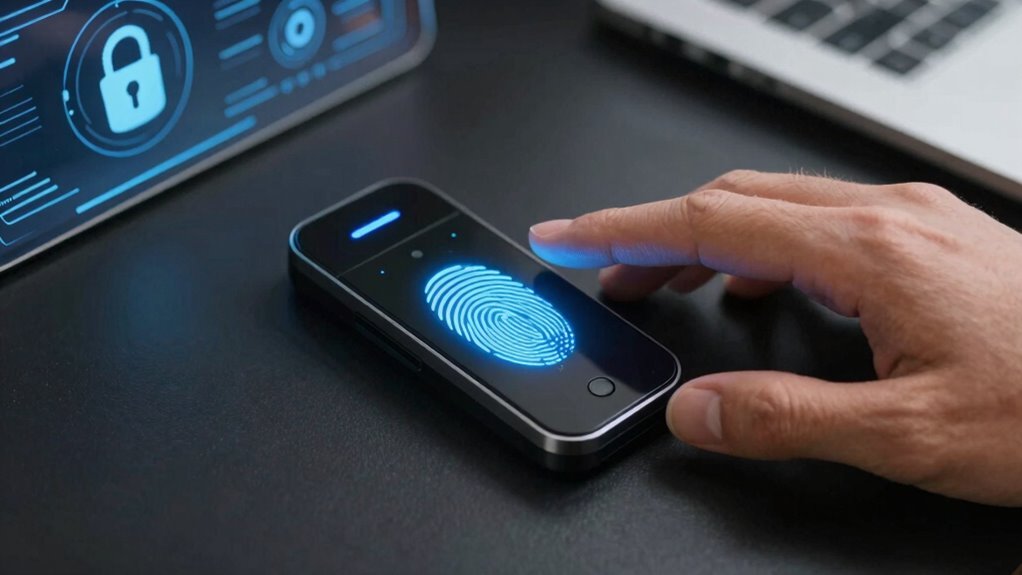
Biometric security feels safe because your data is encrypted as templates, not raw images, reducing theft risk. Devices use liveness detection to confirm you’re real, not a fake, and multi-factor authentication adds extra layers of protection. Clear communication about how your data is stored and your ability to control it also build trust. Plus, innovations like continuous authentication ensure your identity stays protected throughout use. Keep exploring to discover how these security features work together for your safety.

Get the latest gadgets delivered free with Prime
- Fast, free delivery on millions of items
- Prime Video, Amazon Music and more included
- Member-only deals all year
Key Takeaways
- Encrypted storage of biometric data ensures that raw fingerprint images are protected from theft or misuse.
- Advanced liveness detection sensors verify that biometric input comes from a real person, preventing fake fingerprint attacks.
- Multi-factor authentication combines biometrics with PINs or passwords for added security layers.
- Transparent communication and user control options build trust and allow users to manage their biometric information.
- Continuous monitoring and technological advancements maintain high security standards while ensuring user convenience.
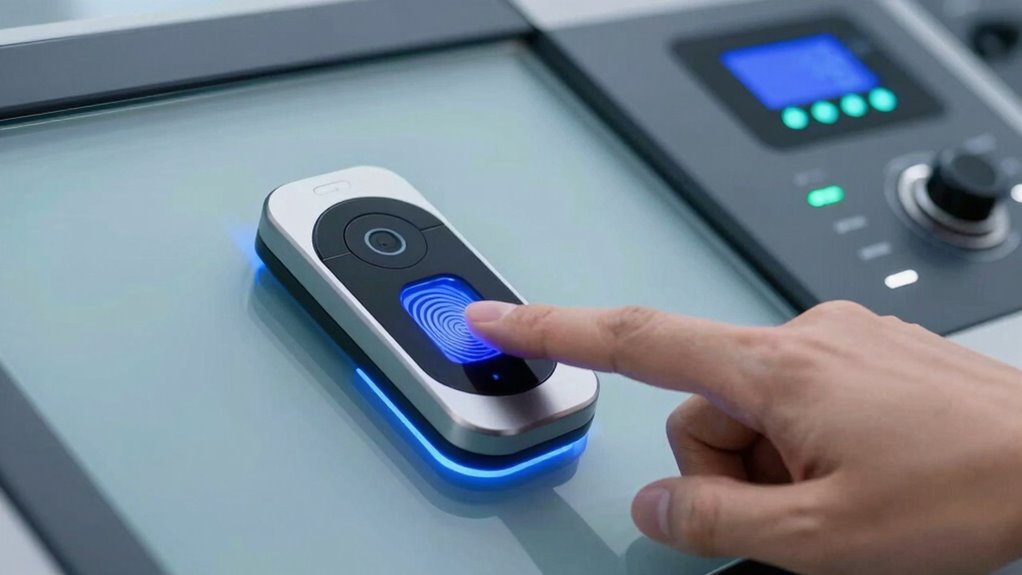
Fingerprint authentication is another key element that contributes to your sense of safety. When you place your finger on a scanner, you want to be sure that your fingerprint data is stored securely and used solely for authentication purposes. Modern fingerprint systems use encrypted templates rather than raw images, which means your actual fingerprint isn’t stored anywhere, reducing the risk of theft. The sensors are designed to detect live skin, preventing replay attacks or fake fingerprints from tricking the system. You can trust that the fingerprint authentication process is quick and reliable, providing seamless access without sacrificing security. This combination of speed and safety makes it easier for you to use biometric security without feeling exposed. Additionally, many biometric systems incorporate advanced sensor technology, enhancing both security and user confidence. Another aspect that makes biometric security feel safe to use is the implementation of multi-factor authentication. Combining facial recognition or fingerprint scans with PINs or passwords creates an extra barrier against unauthorized access. Even if someone manages to spoof a facial recognition system or steal your fingerprint data, they’d still need the additional factor to get through. Additionally, many systems employ liveness detection—techniques that confirm your biometric data is coming from a real person, not a photo or a mold. This extra layer reassures you that the system is resilient against common spoofing attempts. Furthermore, understanding the technology behind contrast ratio helps you appreciate how clear images are rendered, which indirectly supports your confidence in visual security systems. Knowing that the encryption methods used to protect your biometric data are robust can further enhance your trust in the system. Recognizing the importance of secure storage can help you understand how your biometric information is protected from unauthorized access. Modern biometric security systems also utilize continuous authentication, which monitors your identity throughout the session to prevent unauthorized use if your device is left unattended. Finally, transparency and user control play a significant role in making biometric security feel safe. When organizations clearly communicate how your data is stored, used, and protected, it boosts your confidence. Knowing that you can manage your biometric information, opt-out if needed, and understand the security measures in place helps you trust the system. As biometric technology advances, these safety features become even more sophisticated, ensuring you’re protected without sacrificing convenience. Ultimately, biometric security feels safe to use because it balances cutting-edge technology with strong safeguards, giving you a seamless yet secure experience.
Products Worth Considering

Amazon Kindle Paperwhite Signature Edition (12th Generation, 2024), 32 GB, Metallic Black

Jackery Solar Generator 1000 V2 with 200W Solar Panel

Sonos Era 100 Wireless Smart Speaker, Black
As an affiliate, we earn on qualifying purchases.
Frequently Asked Questions
How Is Biometric Data Stored Securely?
You guarantee biometric data is stored securely by using strong encryption methods, which protect your information from unauthorized access. Additionally, data anonymization techniques are applied to remove personally identifiable details, adding an extra layer of privacy. These measures work together to keep your biometric data safe, making you feel more confident in using biometric security systems. By prioritizing encryption and anonymization, companies demonstrate their commitment to your data’s security and privacy.
Can Biometric Data Be Hacked or Stolen?
Biometric data can be hacked or stolen, but robust security measures help protect it. With biometric authentication, your data is encrypted, making it difficult for hackers to access or misuse. Companies implement advanced encryption methods and secure storage practices to safeguard biometric information. While no system is entirely foolproof, combining biometric authentication with strong encryption markedly reduces the risk of theft, ensuring your data remains safe.
What Happens if Biometric Data Is Compromised?
If your biometric data is compromised, it’s like losing the keys to your own house; you can’t change your fingerprints or face. But with biometric encryption and behavioral patterns, security systems can identify anomalies and lock you out. Companies also store encrypted templates, making it difficult for hackers to misuse your data. Still, it’s essential to stay vigilant and trust systems that prioritize protecting your biometric information.
Are Biometric Systems Vulnerable to Spoofing?
Biometric systems can be vulnerable to spoofing, like using a fake fingerprint or facial disguise to gain access. Attackers might create artificial fingerprints or manipulate images to trick the system. However, many systems incorporate anti-spoofing measures, such as liveness detection, to identify real users. While no system is perfect, these safeguards make biometric security more reliable and help prevent unauthorized access through fake fingerprints or facial disguises.
How Is User Privacy Protected With Biometrics?
Think of your biometric data as a guarded treasure, protected by layers of security. You guarantee privacy through user consent, deciding when and how your data is shared. Additionally, data encryption acts like an unbreakable vault, safeguarding your fingerprints or facial scans from unauthorized access. These measures create a sense of trust, making biometric systems feel safer, knowing your personal information stays private and under your control.
Conclusion
So, when you see biometric security as a trusted gatekeeper, remember it’s like a sturdy lock on your digital door—designed to keep unwanted intruders out. Its safety comes from advanced technology and your unique biological traits, making it a reliable guardian. Trust in its ability to protect your personal world, because with biometric security, you’re not just locking your data—you’re anchoring your peace of mind in a fortress built just for you.